

A bad website frustrates visitors with confusing navigation, sluggish performance, outdated design, weak security, poor accessibility, and no clear direction for action.
We’ve worked with many business owners who came to us frustrated. They had invested in a website and poured time and budget into marketing, yet still heard the same feedback from prospects — “I couldn’t find what I needed,” “it was too slow,” or worse, silence because the lead never came in.
On the surface, a site may look fine. But beneath that, small issues in design, speed, security, or structure quietly push potential clients away. Every missed click, every abandoned form, every second of delay costs opportunities you never even see.
In this article, we’ll share what we’ve learned from years of reviewing and rebuilding sites across industries. You’ll see what makes a bad website, the business impact of each problem, and how to fix them before they hurt your bottom line.
Key Takeaways
- A bad website damages your brand, reduces trust, and costs valuable leads.
- The most common problems include poor navigation, slow performance, weak mobile design, outdated technology, lack of accessibility, security gaps, and unclear goals.
- These issues can exist even on a visually attractive site, making them harder to notice until sales and inquiries decline.
- Each problem has a measurable impact — from lower conversion rates to higher client drop-off.
- Regular audits, thoughtful design, and ongoing optimization keep your website working as a true business asset.
1. Confusing User Experience (UX)
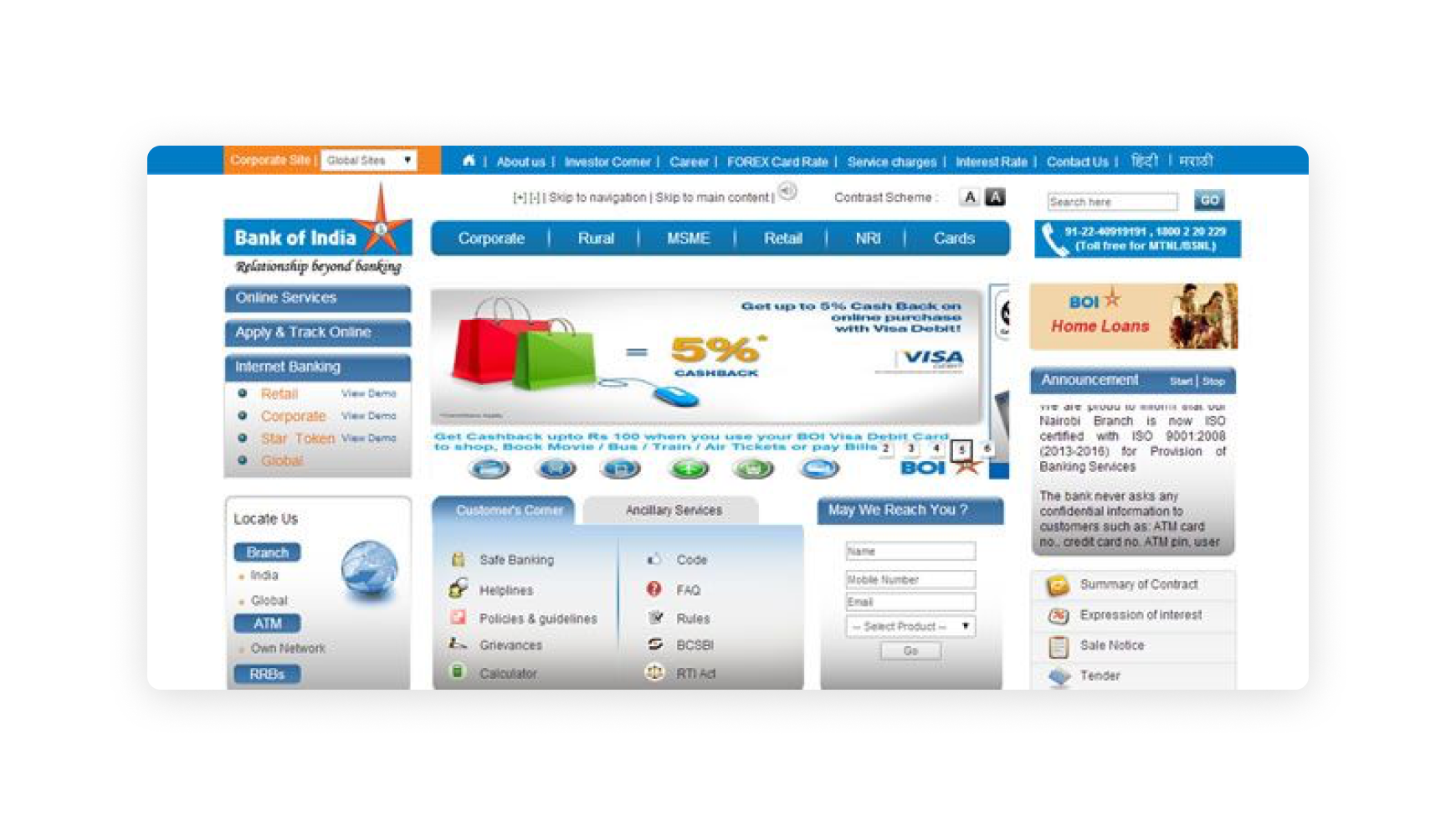
A confusing user experience is one of the clearest signs of a bad website. If visitors can’t quickly figure out where to go or what to do, they leave within seconds — often before you even realize they were there.
Signs of Confusing UX
- Vague navigation labels like “Solutions” or “Resources.”
- Layouts that force multiple clicks to reach critical info.
- Calls-to-action hidden at the bottom of long pages.
- Overly complicated or inconsistent design patterns.
The Fix
- Use plain, descriptive labels that match customer intent.
- Place key CTAs where decisions happen.
- Keep layouts consistent so visitors know what to expect.
We’ve Built Hundreds of Websites — Here’s How We Improve UX Every Time
Our checklist of 15 essential updates will help you remove friction, guide visitors clearly, and make your website work harder for your business.
2. Slow Loading Times
Few things frustrate visitors faster than a slow site. If pages take too long to load, people leave before even seeing what you offer. That means wasted ad spend, wasted traffic, and missed leads.
Signs of Slow Performance
- Large, uncompressed images.
- Too many scripts or plugins.
- Weak or outdated hosting.
- No content delivery network (CDN).
The Fix
- Compress and optimize images.
- Remove unused scripts and plugins.
- Upgrade to reliable hosting.
- Use a CDN for global performance.
Worried Your Site Might Be Driving Visitors Away?
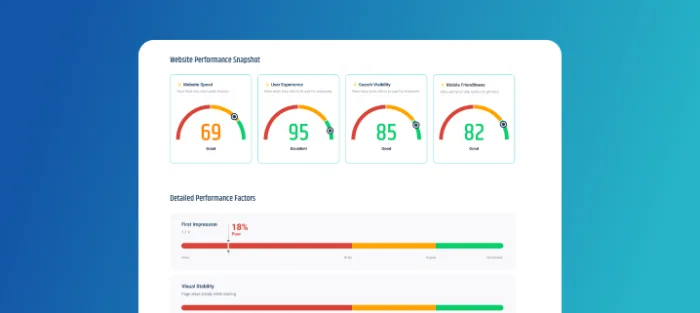
Our free website audit uncovers slow load times, UX issues, mobile gaps, and SEO weaknesses — with clear recommendations you can act on right away.
3. Not Mobile-Friendly
If your site doesn’t work on phones, visitors leave and rarely come back. Buttons too small to tap, broken menus, or slow mobile load times send people straight to competitors.
Signs of Poor Mobile Design
- Text requires zooming or sideways scrolling.
- Menus break on touchscreens.
- Forms are too long for mobile use.
- Pages load slower on phones than desktop.
The Fix
- Use responsive design across all devices.
- Test on multiple screen sizes and browsers.
- Simplify navigation for mobile.
- Optimize speed for mobile networks.
Most Visitors Are on Mobile — Here’s Why That Matters
A poor mobile experience costs you traffic, leads, and search visibility. Learn the six key reasons responsive design is essential for your business.
4. Outdated Design & Technology
An outdated design or platform quietly signals that your business is behind. A site that looks old or relies on broken plugins doesn’t just frustrate users — it undermines your credibility and makes updates harder.
Signs of Outdated Websites
- Old visual styles or low-quality images.
- Unsupported CMS versions.
- Deprecated plugins or tools.
- Compatibility issues with modern browsers.
The Fix
- Refresh your design to align with current standards.
- Migrate to a modern CMS.
- Replace old plugins with supported ones.
- Review your tech stack every 12–18 months.
5. Poor Accessibility
Ignoring accessibility excludes part of your audience and sends the wrong message. Low-contrast text, missing alt text, or forms that don’t work with keyboards create barriers that turn visitors away — often for good.
Signs of Accessibility Issues
- Low-contrast text and small fonts.
- Missing alt text for images.
- Forms that don’t work with keyboard navigation.
- Videos without captions or transcripts.
The Fix
- Follow WCAG accessibility guidelines.
- Use scalable, high-contrast fonts.
- Add alt text for all images.
- Ensure navigation works without a mouse.
6. Weak Security

Weak security isn’t just technical — it’s a trust issue. A single “Not Secure” browser warning can be enough for visitors to abandon your site, even if no breach has ever occurred.
Signs of Poor Security
- No valid SSL certificate.
- Outdated CMS or plugins.
- No monitoring or malware scanning.
- Weak or shared admin passwords.
The Fix
- Install and maintain an SSL certificate.
- Keep CMS, themes, and plugins updated.
- Use strong authentication and unique passwords.
- Run regular security audits.
7. No Clear Purpose
A website without focus leaves visitors guessing. If your homepage throws too many options at once — blog feeds, calendars, product lists — without a clear action, most people leave without doing anything.
Signs of No Clear Purpose
- Homepage doesn’t highlight your main value or offer.
- Multiple CTAs fight for attention.
- Key services hidden in secondary navigation.
- Inconsistent messaging across pages.
The Fix
- Define a single, primary goal for your website.
- Align navigation and content to support that goal.
- Remove distractions from key pages.
- Use consistent, intentional CTAs.
Final Thoughts
A bad website doesn’t just frustrate visitors — it damages your reputation, wastes your marketing budget, and costs potential business. The good news is, every one of these issues can be fixed.
From improving user experience and speed to ensuring mobile-friendliness, accessibility, and security, small changes can have a big impact on performance. Your website should work as hard as you do — guiding visitors, building trust, and converting interest into action.
If your site isn’t doing that, now’s the time to change it.
Not Sure If Your Website Has These Problems?

Our free website audit reveals performance issues, UX friction points, mobile gaps, SEO weaknesses, and more — so you know exactly what to fix.