

There's a conversation happening in a lot of boardrooms and team meetings right now that goes something like this: "Everyone's talking about AI. Should we be doing something with our website?" The answer is almost always yes. But the follow-up question — the one that usually stalls the whole conversation — is: "Does that mean we need to rebuild the whole thing?" No. It doesn't.
If your website is built on Craft CMS, you're actually in a strong position. Craft's architecture was designed to be flexible, modular, and integration-friendly long before AI became a business priority. That means you can layer smart features onto what you already have — improving how your site works, how your team manages content, and how visitors interact with your pages — without tearing anything down and starting over.
Here's what that looks like in practice.
Your website already has the foundation — it just needs smarter layers
Think of your Craft CMS website as a well-built house. The structure is solid, the layout works, and everything is where it should be. Adding AI isn't like knocking down walls — it's more like upgrading to a smart thermostat, better lighting, and a doorbell that tells you who's there before you answer.
Craft CMS is particularly well-suited for this kind of enhancement because of its design. Unlike some platforms that lock you into rigid templates and limited plugin ecosystems, Craft gives developers full control over content structure and clean API access.
That means connecting third-party AI tools — or building custom integrations — is straightforward, and the new capabilities work with your existing site rather than fighting against it. The key is knowing which AI enhancements are worth your time and which are just noise.
Smart site search that actually understands what visitors mean
Standard website search is... not great. Most built-in search tools match keywords literally. If someone types "summer shipping options" and your page says "warm-weather delivery schedules," that's a miss. The visitor doesn't find what they need, and you lose an opportunity.
AI-powered search changes the game. Instead of matching exact words, it understands the intent behind a query. It uses natural language processing to figure out what someone actually means, not just what they typed. And when paired with Craft CMS, it can search across your entire content structure — entries, categories, product listings, documentation — and return results that are relevant, ranked intelligently, and fast.
Tools like Meilisearch, Algolia, and similar platforms offer hybrid search that combines traditional keyword matching with AI-driven semantic understanding. For a Craft CMS site, this can be integrated through the API layer without touching your existing templates or content structure. Your content team doesn't need to change how they work. Your visitors just start getting better answers. For businesses with large product catalogues, extensive resource libraries, or multi-service offerings, this alone can meaningfully improve conversion rates. When people find what they're looking for faster, they stay longer — and they're more likely to take action.
AI-assisted content creation inside your CMS
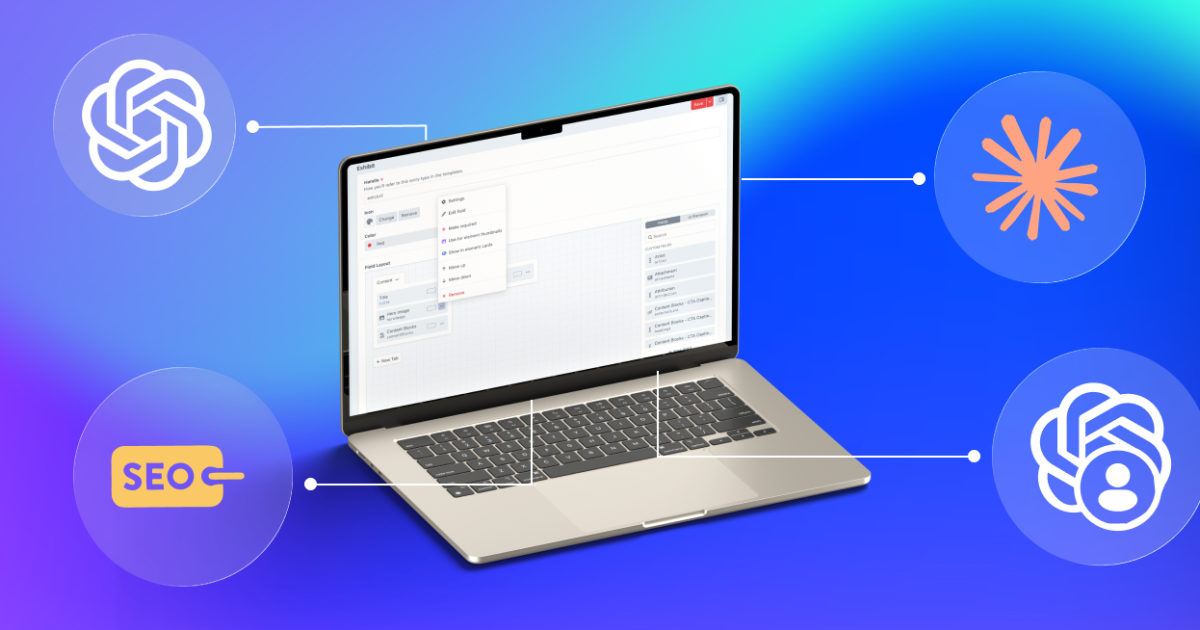
One of the most practical — and immediately useful — AI integrations for Craft CMS is bringing content assistance directly into the editor. Instead of switching between your CMS and a separate AI tool (ChatGPT, for example), you can access AI-powered writing, editing, and translation features right where your team already works. Plugins like Content Buddy (built specifically for Craft CMS) connect directly to OpenAI's models, letting your content team generate draft copy, summarize long-form content, adjust tone, translate into multiple languages, and even create companion images — all without leaving the Craft control panel. The content still goes through your normal editorial workflow. The AI just accelerates the starting line.
Here's why this matters from a business perspective: content bottlenecks are one of the biggest reasons websites go stale. Marketing teams have ideas, but writing, editing, and publishing take time. When AI handles the first draft — the blank-page problem — your team can focus on refining and approving rather than creating from scratch. Pages get updated more frequently, new content goes live faster, and your website stays relevant.
The important nuance here is that AI-generated content should always go through human review. The best implementations treat AI as a co-pilot, not an autopilot. It speeds up the process while keeping your team in control of quality, accuracy, and brand voice.
Chatbots that know your business
We covered this in depth in a recent post about AI chatbots for business websites, but it's worth mentioning in the context of Craft CMS specifically, because the integration path is clean.
A well-configured AI chatbot, trained on your website's actual content — service pages, FAQs, case studies — can handle visitor questions in real time, 24/7. When your site is built on Craft CMS, the chatbot can pull from the same structured content your team maintains. Update a service description in Craft, and the chatbot's responses update accordingly. Most modern chatbot platforms (Intercom, Tidio, Drift, and others) offer JavaScript embed codes that work with any front-end, and many also offer API-based integrations that can tap directly into your Craft content.
The result is a chatbot that doesn't feel generic — it actually knows your business because it draws on the same content your website displays.
For the technical setup, this typically involves either a direct API connection between the chatbot platform and your Craft instance or a content indexing approach in which the chatbot periodically crawls your site to stay current. Either way, the effort to implement is measured in days, not months.
Smarter forms that qualify leads before your team gets involved
Contact forms are a staple of business websites, but most of them are static. Every submission gets the same treatment — whether it's a Fortune 500 company looking for a major project or someone asking a question they could have found in your FAQ.
AI can make your forms smarter in two ways.
First, AI-powered conditional logic can adjust the form experience in real time based on what the visitor is doing. If someone has been browsing your enterprise services pages, the form can surface fields relevant to larger projects (budget range, timeline, decision-making process). If they've been looking at a specific service, the form can pre-populate context so your team immediately knows what the inquiry is about.
Second, AI can automatically score and route submissions. Based on the information provided — company size, industry, urgency, specific service interest — the system can assign a priority level and send the lead to the right person on your team. High-value inquiries go straight to a senior account manager. General questions get routed to support. This eliminates the manual triage step that slows down response times.
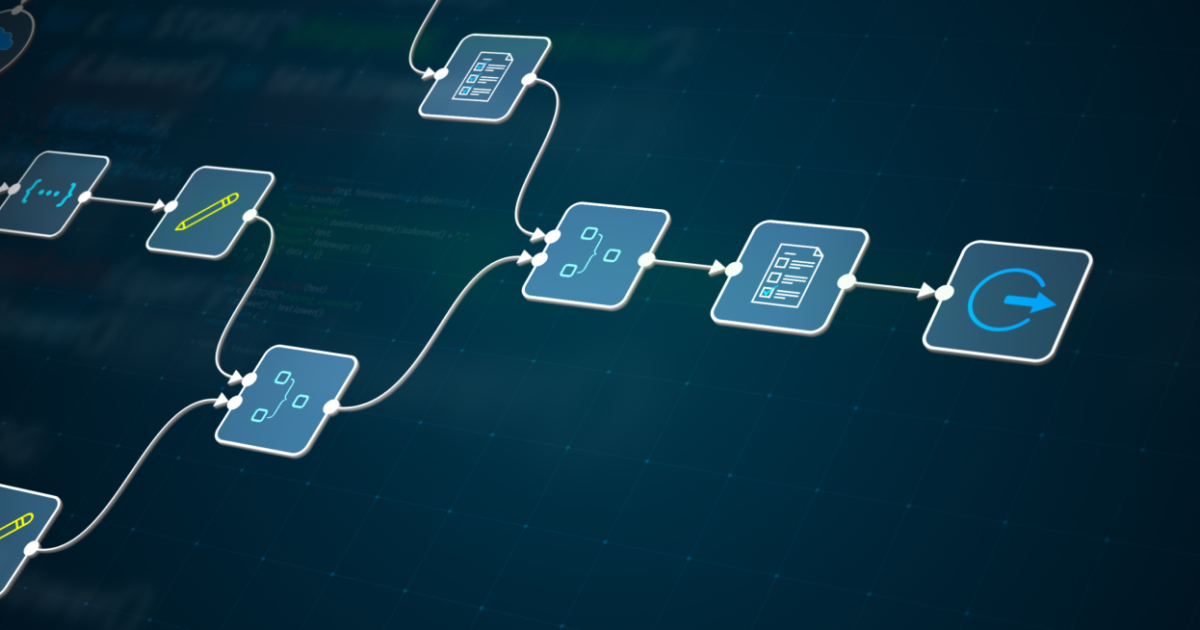
In Craft CMS, this is typically implemented through a combination of form plugins (such as Freeform or Formie) and a workflow automation layer (Zapier, Make, or a custom integration) that handles scoring and routing logic. The form lives on your Craft site; the intelligence lives in the automation layer behind it.
Automated SEO monitoring and content suggestions
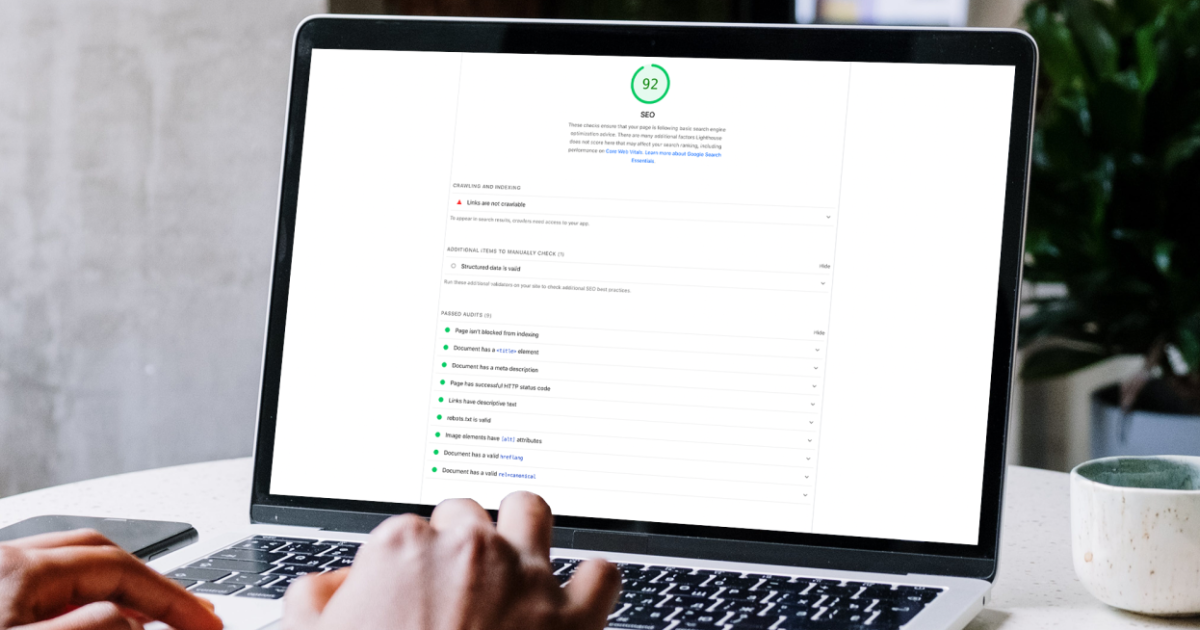
SEO isn't a one-time effort — it requires ongoing attention to stay competitive. But most small and mid-sized businesses don't have a dedicated SEO person monitoring performance daily. AI can fill that gap. Tools that integrate with your Craft CMS site can continuously monitor your content against current search trends, flag pages that are losing rankings, identify keyword opportunities you're missing, and even suggest specific content updates to improve visibility.
For Craft CMS users, SEOmatic (one of the most popular Craft plugins) already handles a significant portion of technical SEO — structured data, meta tags, sitemaps, and more. Layering AI-powered monitoring on top of this creates a system where your SEO isn't just properly configured at launch but continuously optimized over time. From a practical standpoint, this means your team gets a monthly (or weekly) report that says: "Here are three pages that could improve their ranking with these specific changes" — rather than having to dig through analytics dashboards to find problems themselves.
Personalized content based on visitor behaviour
This one is increasingly within reach for mid-sized businesses, not just enterprise organizations with massive budgets.
AI-driven personalization means your website adapts what it shows based on who's visiting. A returning visitor who previously browsed your healthcare case studies sees healthcare-related content featured on their next visit. A first-time visitor from a manufacturing company (identified by their IP or behavior patterns) sees manufacturing examples highlighted.
Craft CMS makes this feasible through its flexible content modelling. Your content is already structured in a way that can be queried, filtered, and served dynamically. Adding a personalization layer — whether through a third-party platform or a custom integration — doesn't require restructuring your content. It just changes how and when specific content surfaces.
This is admittedly on the more advanced end of the spectrum. But even basic implementations — like showing different hero content to returning visitors versus new ones, or surfacing relevant case studies based on browsing behaviour — can noticeably improve engagement metrics.
What all of this has in common
Every AI enhancement listed here shares three characteristics:
- It layers onto what you have. None of these requires a ground-up rebuild. They work with your existing Craft CMS infrastructure, content, and team's established workflows.
- It solves a real problem. Better search, faster content creation, smarter lead handling, continuous SEO — these aren't features for the sake of features. They address specific pain points that affect how your website performs as a business tool.
- It keeps humans in control. The AI handles the repetitive, time-consuming, or computationally complex work. Your team retains control over quality, strategy, and decision-making. That's the right balance.
How to think about this practically
If you're managing a Craft CMS website and wondering where to start with AI, here's a simple framework:
- Start with the pain point, not the technology. What's the biggest limitation of your website right now? Is it that visitors can't find what they need? Is your content outdated because publishing takes too long? Do those leads come in without enough context? Match the AI enhancement to the problem, not the other way around.
- Pick one integration first. Don't try to implement five things at once. Choose the enhancement that will have the most immediate impact and prove the concept. Once it's working and your team is comfortable, expand.
- Work with people who know Craft. AI integrations are only as good as their implementation. A generic chatbot bolted onto a Craft site without proper content training will disappoint. A smart search tool configured without understanding your content model will underperform. The teams that get the best results are the ones who understand both the AI tools and the CMS they're connecting to.
Your site doesn't need to be new. It needs to be smarter.
The businesses that are getting the most out of AI right now aren't the ones with the newest websites. They're the ones that looked at what they already had, identified where AI could make it work harder, and implemented the right enhancements without overcomplicating things.
If your Craft CMS site is solid — good design, good content, good structure — then you have everything you need to start. The AI layer is just that: a layer. It makes what's already working, work better. And that's a much more practical conversation than "should we rebuild?"
Curious what AI could do for your Craft CMS website — without a full rebuild? Our team works with Craft every day and can spot the opportunities that'll make the biggest difference for your specific setup. Let's talk.