

There's a version of this story playing out in almost every small or mid-sized business right now. Someone on the team — maybe it's the office manager, maybe it's you — spends a surprising chunk of their week on tasks that feel productive but are really just... moving information from one place to another.
Copying a lead's details from a web form into a CRM. Sending a follow-up email three days after a quote goes out. Chasing down an approval on an invoice that's been sitting in someone's inbox. Updating a spreadsheet that feeds into a report nobody reads in real time.
These tasks aren't complex. They don't require judgment or creativity. But they eat hours — and they're the exact kind of work that AI-powered automation was built to handle.
Here's what's changed: you no longer need an enterprise budget or an in-house dev team to automate these workflows. The tools have caught up. And the businesses that are adopting them aren't doing it because they love technology — they're doing it because they got tired of watching their best people spend time on work that a well-configured system could handle in seconds.
Let's walk through five workflows that are prime candidates for automation — and what each one looks like on the other side.
1. Web form submission → CRM entry → team notification
- The manual version: A potential customer fills out a contact form on your website. The submission lands in an email inbox — maybe a shared one, maybe someone's personal inbox. Somebody copies the name, email, company, and message into the CRM. They tag the lead, assign it to a sales rep, and ping the rep on Slack or email. If the person doing this is out sick, on vacation, or just busy with something else, the lead sits there. Sometimes for hours. Sometimes longer.
- The automated version: The form submission triggers a workflow automatically. The lead's information flows directly into your CRM, is tagged based on the form data (industry, service interest, company size), and is assigned to the right rep according to the rules you've set. The rep gets an instant notification — via Slack, email, or both — with the lead's details and a direct link to their CRM record. If nobody responds within a set timeframe, the system escalates.
- Why this matters: Research consistently shows that leads contacted within the first few minutes are dramatically more likely to convert. Every hour of delay shrinks your odds. Automating this workflow doesn't just save time — it directly impacts revenue.
- What you need to make it work: A form tool that connects to your CRM (most modern CMS platforms, including Craft CMS, support this through APIs or plugins), a workflow automation platform like Zapier or Make, and about an afternoon to set it up.
2. Quote follow-up emails
- The manual version: Your sales team sends out a proposal or quote. Then they make a mental note — or maybe a calendar reminder — to follow up in three days. Sometimes they do. Sometimes they get pulled into other things, and the follow-up happens a week later. Or not at all. Meanwhile, the prospect has already started talking to another vendor who responded faster.
- The automated version: When a quote is marked as "sent" in your CRM or project management tool, a workflow kicks off. Three days later, the prospect receives a friendly, personalized follow-up email: "Just checking in — did you get a chance to review the proposal? Happy to answer any questions." If there's no response, a second follow-up goes out 5 days later, with slightly different messaging. If the prospect opens the email or clicks a link, the rep gets notified so they can reach out personally at the right moment.
- Why this matters: Follow-up is where most sales processes fall apart. Not because people don't intend to follow up — but because manual follow-up competes with everything else on the to-do list. Automating the sequence ensures it always happens, and the personalization layer means it doesn't feel robotic.
- What you need: A CRM with email automation capabilities (HubSpot, Salesforce, and others have this built in), or a separate email automation tool connected to your CRM. The key is making sure the emails are written in your voice, not generic templates.
3. Invoice approval routing
- The manual version: An invoice comes in. Someone forwards it to the person who needs to approve it. That person is in meetings all day, so it sits in their inbox. Two days later, someone sends a "gentle reminder." The approver finally looks at it, realizes they need context from another team member, and forwards it again. A week has passed. The vendor is now sending their follow-up email asking about payment.
- The automated version: The invoice enters your system (via email, upload, or integration with your accounting software). Based on rules — dollar amount, vendor type, department — it's automatically routed to the right approver with all the context attached. The approver receives a notification with one-click approve/reject options. If they don't act within 24 hours, the system reminds them. If it exceeds a certain amount, it automatically triggers a two-step approval chain. Once approved, it flows into your accounting system for payment processing.
- Why this matters: Late payments damage vendor relationships and can cost your business early-payment discounts. But the delay is rarely intentional — it's a process problem. When the routing and reminders are automated, invoices move through the system in a fraction of the time, and nobody has to play the role of "invoice chaser."
- What you need: Accounting or AP software with workflow automation (many modern platforms support this), or a dedicated approval workflow tool connected to your existing systems.
4. Customer onboarding emails and tasks
- The manual version: A new client signs on. Someone — usually the project manager or account lead — needs to send a welcome email, share access credentials or documentation, set up a kickoff meeting, create a project folder, add them to the appropriate communication channels, and follow up a week later to ensure everything's going smoothly. Each of those steps is manual. Each one depends on that person remembering to do it, in the right order, at the right time.
- The automated version: The moment a new client is marked as "active" in your system, the onboarding sequence starts. The welcome email is sent immediately, along with all relevant documentation and links. A project folder is created from a template. Calendar invites for the kickoff meeting are sent based on the project manager's availability. A checklist of onboarding tasks appears in your project management tool, assigned to the right people. A week later, a check-in email goes out automatically. All of this happens without anyone touching it.
- Why this matters: First impressions set the tone for the entire client relationship. When onboarding is smooth and organized, clients feel confident that they made the right choice. When it's scattered — a late welcome email, a missing document, a forgotten follow-up — it creates doubt before the actual work even begins. Automation ensures consistency every single time, regardless of how busy the team is.
- What you need: A project management tool with automation capabilities (ClickUp, Asana, Monday, and others offer this), an email automation setup, and templates for your standard onboarding materials. The initial setup takes time, but once it's running, every new client gets the same polished experience.
5. Monthly reporting compilation
- The manual version: At the end of every month, someone — or more likely, several someones — pulls data from Google Analytics, the CRM, the ad platform, the social media dashboard, and maybe a spreadsheet or two. They copy numbers into a report template. They format charts. They write a summary. They email it to leadership. The whole process takes a full day, sometimes more. And by the time it's done, the data is already a few days old.
- The automated version: A dashboard pulls data from all your sources in real time — website traffic, lead conversions, email performance, ad spend, revenue pipeline. It updates automatically. At the end of the month (or any cadence you set), the system generates a formatted report and sends it to the right people. If you want narrative context, AI can draft the summary based on the data changes: "Website traffic increased 12% month-over-month, driven primarily by organic search. Lead conversions from the new services page are up 23%."
- Why this matters: Manual reporting isn't just time-consuming — it's fragile. One copy-paste error, one outdated spreadsheet formula, and the numbers leadership sees are wrong. Automated reporting eliminates that risk and frees up your team to analyze the data rather than just assemble it.
- What you need: A data visualization tool (Google Looker Studio, Databox, or similar) connected to your data sources, plus email automation for distribution. For the AI-generated summaries, tools that integrate with your dashboard can produce natural-language insights from the raw numbers.
The pattern you'll notice
Look at all five of these workflows, and you'll see the same structure: information comes in, someone manually moves it elsewhere, and then a follow-up action depends on someone remembering to do it.
That's the pattern AI automation is built to break. Not the complex, judgment-heavy decisions that actually need a human — but the connective tissue between systems, the handoffs, the reminders, the routing.
And here's the part that catches most business owners off guard: each of these automations, individually, might save only 30 minutes or an hour a week. But stack five of them together, and you're looking at an entire workday recovered. Every week. For every person who was doing this work manually. Over a year, that adds up fast.
Where to start (without overcomplicating it)
If you're reading this and thinking "okay, but where do I actually begin?" — start with the workflow that annoys your team the most. Seriously. Ask them. They know exactly which repetitive task is eating their time.
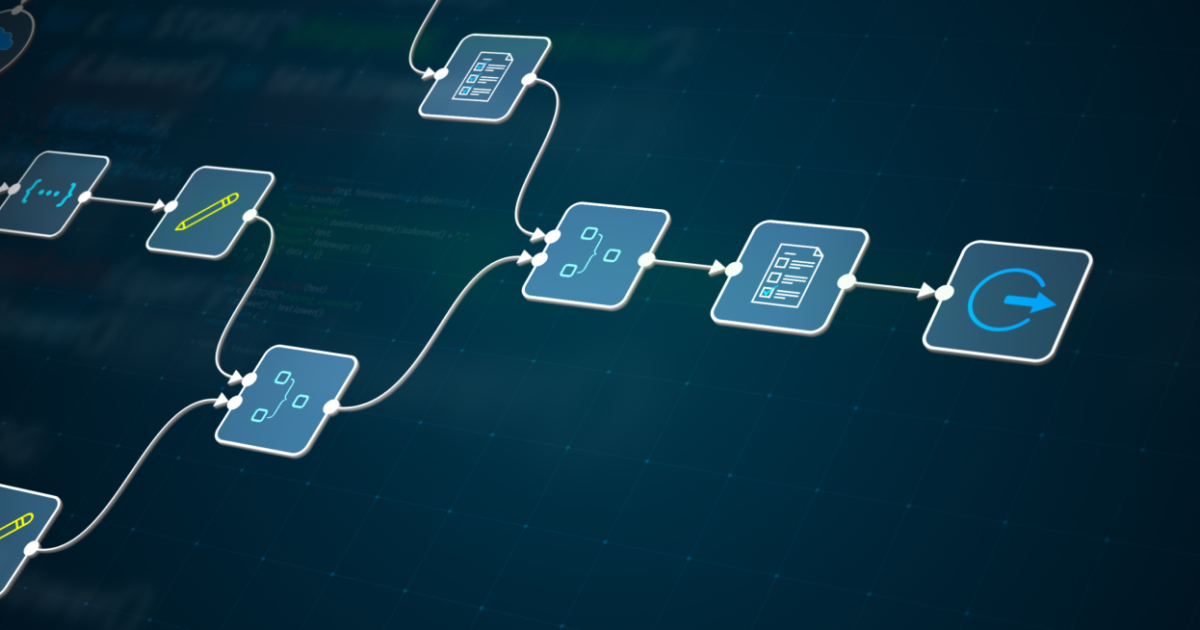
Then pick one. Just one. Map out the steps as they happen today — the trigger, the actions, the handoffs. Then look at where the human steps are really just data transfer, and that's where automation goes.
You don't need to automate everything at once. The businesses that succeed with AI workflow automation almost always start with a single workflow, prove it works, and then expand. The worst approach? Trying to automate ten things simultaneously and completing none of them.
The tools are more accessible than ever — platforms like Zapier, Make, and native automation in CRMs like HubSpot make it possible to build these workflows without writing a line of code. And if you need something more custom — a workflow that connects your website, your CRM, your project management tool, and your email system into one seamless pipeline — that's where a development partner comes in to build the integrations that off-the-shelf tools can't handle.
The real question isn't "should we automate?"
It's "how much longer do we want our best people spending their time on work a system could do in seconds?"
The businesses that are pulling ahead right now aren't the ones with the biggest teams or the most sophisticated technology. They're the ones that looked at their manual workflows honestly, picked the low-hanging fruit, and let automation handle the repetitive stuff so their people could focus on the work that actually moves the needle.
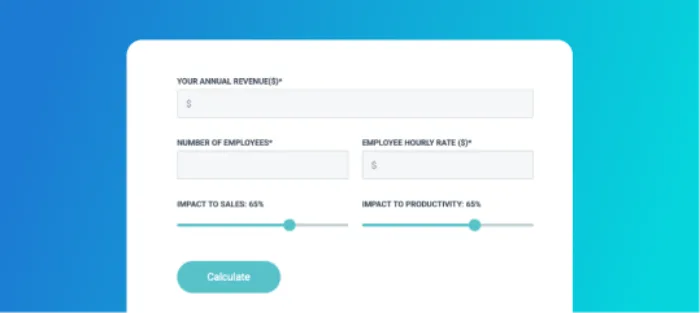
Not sure which workflows to tackle first? We're working on a quick self-assessment tool that'll help you spot the biggest automation opportunities in your business. In the meantime, if you're curious what's possible with your current setup, we're always happy to talk it through — no pitch, just a conversation. Let's talk.