
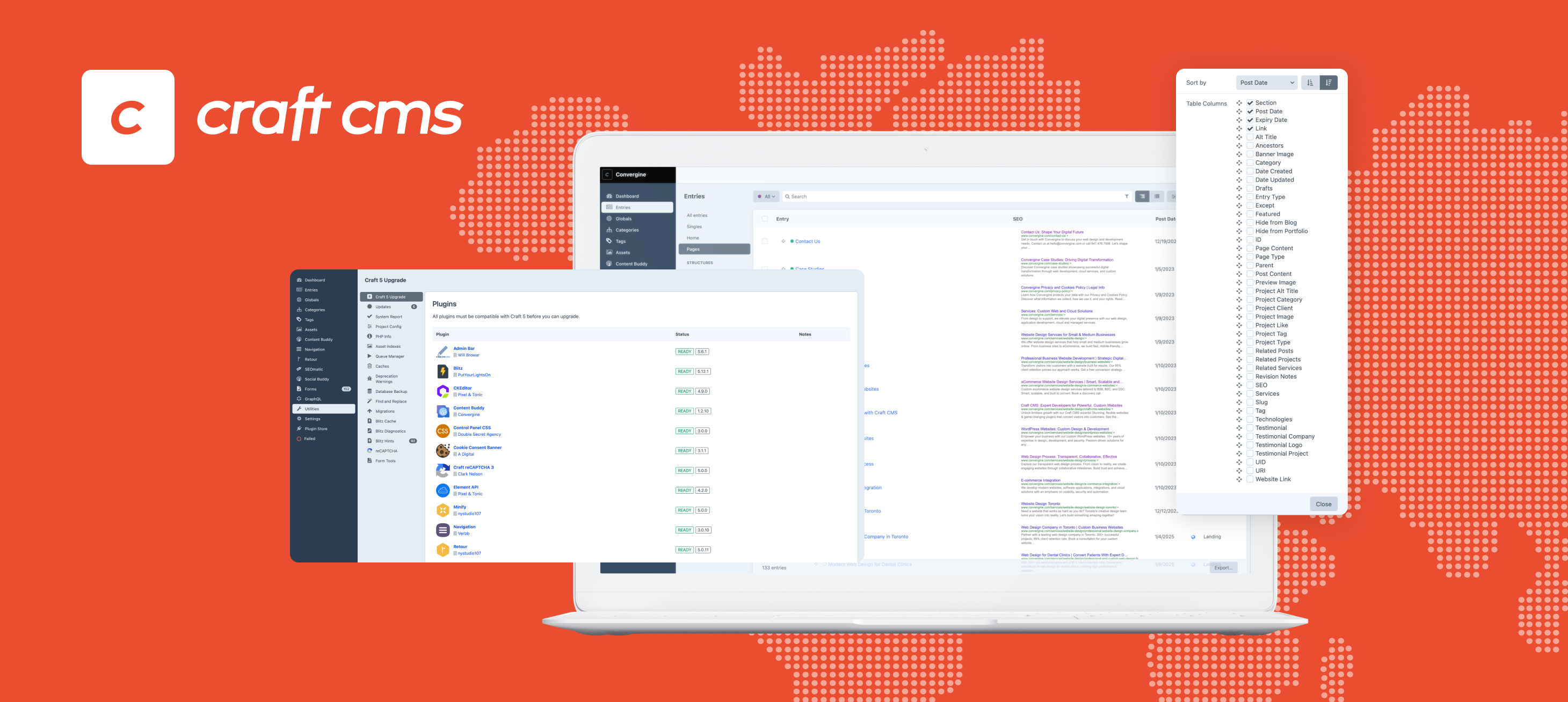
Learn how we take over existing Craft CMS websites—risk-free transitions, clear audits, and ongoing support with no disruption.
When you move from one web vendor to another, especially with a live Craft CMS site, the transition can’t be handled casually. You’re dealing with custom code, plugins, infrastructure, user access, and ongoing business operations. If not approached properly, this kind of handover can create more issues than it solves.
At Convergine, we’ve taken over Craft CMS websites built by other teams. Some were in good shape, others had little documentation, unsupported components, or outdated setups. We’ve built a structured process that gives you control and clarity from day one.
Step 1: Technical Audit
We start by understanding exactly what we’re working with. We don’t make changes or guesses until we’ve audited the entire system. That includes:
- Craft CMS version and how outdated it is
- PHP version compatibility
- Installed plugins (including custom or deprecated ones)
- Hosting environment and server configuration
- Deployment process—manual or automated
- License ownership for Craft and third-party plugins
- Where assets are stored (local or cloud services like S3)
- How templates and code are structured
- Who has access to the CMS and what their permissions are
The goal is to identify any immediate risks, unsupported elements, or missing pieces that could impact performance or security.
Step 2: Documentation and Assessment
After the audit, we document everything. This includes:
- Technical risks (outdated software, insecure access, broken deployment workflows)
- Operational gaps (license access, missing credentials, unclear ownership)
- Performance or security issues
We present these findings in clear language so you understand what’s in place, what’s missing, and what needs to change.
Step 3: Transition Plan
Next, we build a prioritized remediation plan. This is based on urgency and business impact. It can include:
- Upgrading Craft CMS and PHP to supported versions
- Replacing unsupported or poorly built plugins
- Refactoring templates or custom code for maintainability
- Migrating to a stable, scalable hosting environment
- Setting up version control and deployment processes
- Cleaning up user access and securing admin accounts
- Making sure all licenses are owned and accessible by your team
We walk you through what needs to happen and why—no vague recommendations or open-ended suggestions.
Step 4: Execution
Once approved, we begin the transition work. We focus on stability and continuity. If access to past documentation or vendor support is limited, we reverse-engineer as needed.
We don’t move anything until the environment is stable and version-controlled. No workarounds. No shortcuts. Every step is logged and reviewed internally before it goes live.
Step 5: Support and Maintenance
After the transition, we provide structured ongoing support. That includes:
- Scheduled updates for Craft CMS, plugins, and server components
- Regular security reviews
- Monitoring and performance tuning
- Feature development as needed
You won’t be left guessing what’s happening with your site. You’ll have a clear view of updates, issues, and changes.
Final Thoughts
Transitioning a Craft CMS site between vendors isn’t simple. It involves risk—technical, operational, and business-related. We manage it through a structured audit, clear documentation, and controlled execution.
We don’t assume. We verify. We don’t rush. We plan.
If you're changing vendors and want a clean handover with clear accountability, we can help. We’ll start with a full review of your current setup, flag the issues, and take over without disrupting your business.