

Is your WordPress site an open invitation to cyber hackers? As a WordPress website owner, the thought might never cross your mind until it's too late. This blog post turns the spotlight on how to secure your WordPress site from hackers, equipping you with the strategies and insights to transform your site from a vulnerable target to a digital stronghold.
The foundation of security: regular updates
One of the simplest yet most effective steps in how to secure your WordPress site from hackers is staying on top of updates. It's startling to note that a significant number of WordPress sites are running on outdated versions, leaving them vulnerable to known exploits. Regular updates of your WordPress core, themes, and plugins are fundamental to keeping digital intruders at bay.
Strengthening defenses with passwords and user roles
A robust defense against unauthorized access starts with strong passwords. Surprisingly, a majority of security breaches are due to compromised passwords. Implementing complex passwords and assigning appropriate user roles plays critical role in the security of your WordPress site.
Elevating security with two-factor authentication
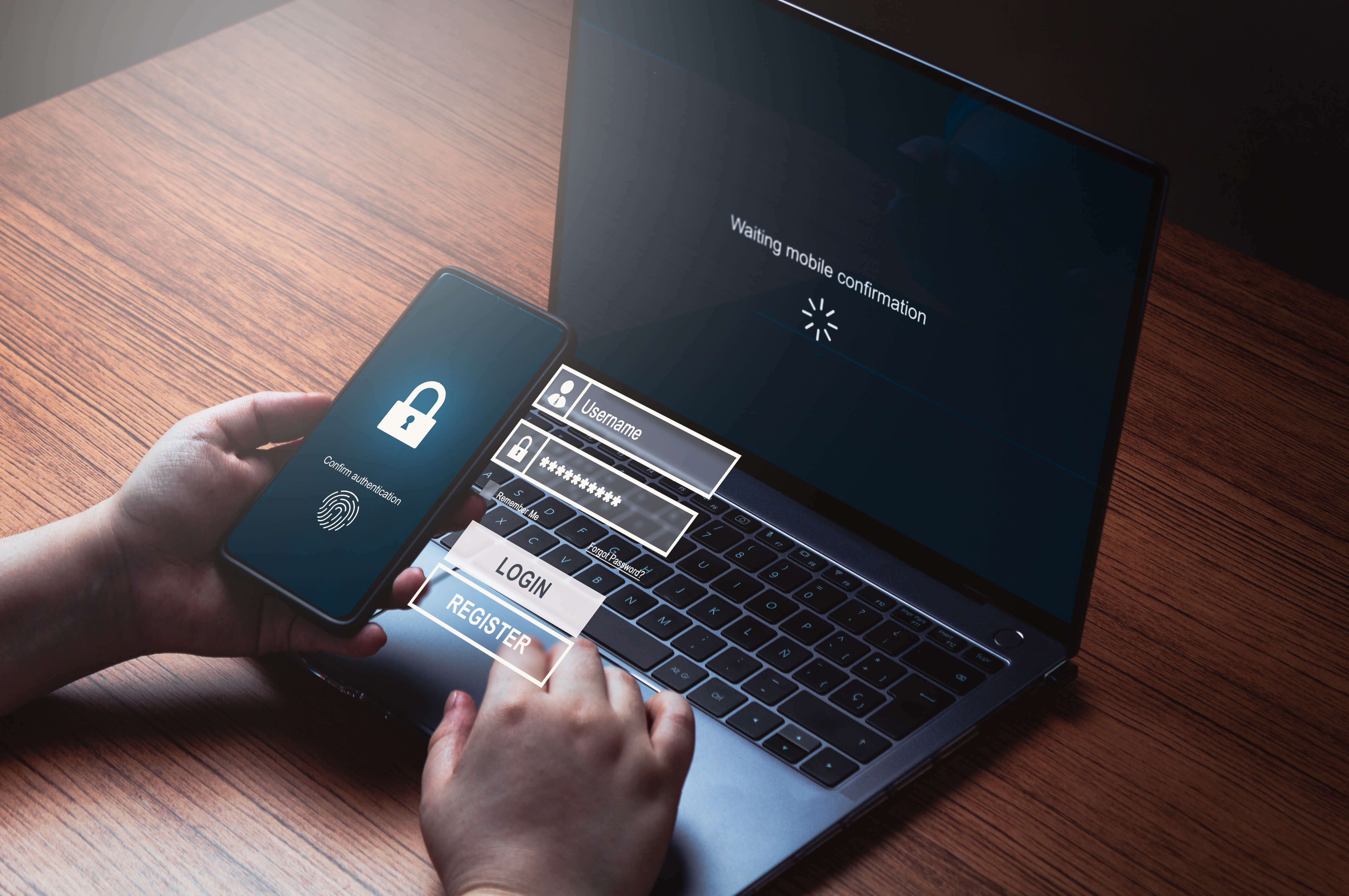
Adding two-factor authentication (2FA) to your WordPress site significantly enhances its security posture. With 2FA, the likelihood of unauthorized access is drastically reduced, making it a critical step in how to secure your WordPress site from hackers.
Combating brute force attacks
Brute force attacks are a common threat to WordPress sites. Tools like Login LockDown help mitigate these attacks by limiting login attempts, while changing the default "admin" username adds an extra layer of obscurity to your site’s login credentials.
Deploying security plugins
Utilizing security plugins is like having a vigilant guard for your site. These plugins offer a range of protective features such as malware scanning and firewall protection. Given that WordPress sites are a large portion of all hacked websites in the CMS category, employing such plugins is a key aspect of how to secure your WordPress site from hackers.
Encrypting data with SSL/TLS
Today data encryption is not optional. With SSL/TLS encryption, not only does your site gain credibility and trust, but it also ensures that the data exchange between your website and its users is secure from interception.
The role of backups and hosting in security
A comprehensive security strategy includes regular backups and a secure hosting environment. Automated backups serve as a safety net, while a reliable hosting provider can offer additional layers of security and isolation, especially with managed WordPress hosting or VPS options.
Conclusion: committing to continuous security
Securing your WordPress site is not a one-time task, but an ongoing commitment to digital vigilance. As technology evolves and cyber threats become more sophisticated, the need for continuous security updates and proactive measures becomes all-important. Regular maintenance, robust security protocols, and staying abreast of the latest security trends are key to ensuring your site's safety. For those seeking expert assistance, explore our managed services for website security and maintenance. Our team of experts can help keep your WordPress site secure, updated, and performing at its best. By partnering with us, you gain peace of mind, knowing your site is fortified against the ever-changing landscape of digital threats.