


Discover how application performance monitoring (APM) improves speed, reliability, and user experience by monitoring and optimizing your applications in…
When a business-critical application lags, crashes, or stalls, the impact is immediate—productivity drops, customers bounce, and reputations take a hit. Most businesses don’t realize there’s a problem until users complain or operations slow down.
That’s where application performance monitoring (APM) comes in. APM delivers the visibility needed to detect performance issues early, understand their root causes, and keep systems operating at their best—before disruptions reach the end user.
Ahead, we'll break down how APM works, what makes it effective, and the real business value it delivers.
| What If You Could Spot Issues Before Users Even Notice Them? |
|---|
| Discover how smart monitoring keeps your applications fast, smooth, and worry-free—automatically. |
| Learn How We Deliver APM |
What Is Application Performance Monitoring?
Application performance monitoring (APM) is the process of tracking how applications behave across infrastructure, systems, and users. It involves collecting data on response times, errors, system load, and user interactions—so teams can identify issues early and keep everything running smoothly.
According to Gartner, APM typically includes components like digital experience monitoring (DEM), application discovery, tracing and diagnostics, and AI-powered operational insights.
Together, these tools offer full visibility into application health and help teams optimize performance at every level.
APM isn’t a single tool—it’s a continuous, data-driven approach to ensuring applications stay fast, stable, and reliable.
What Are the Key Aspects of Effective APM?

At its core, effective application performance monitoring combines full-stack visibility, intelligent analysis, and rapid response. It’s not a single tool or feature—it’s a coordinated system designed to keep applications fast, stable, and ready to scale.
Here are the core elements that define a strong APM approach:
1. Real-Time Monitoring
Constant observation of application behavior—across servers, services, and user interactions—enables teams to detect problems the moment they start. This is the foundation of responsiveness: no blind spots, no lag between failure and awareness.
2. End-to-End Visibility
APM should span the full stack—from frontend user sessions to backend processes and third-party dependencies. Without visibility across components, diagnosing root causes becomes guesswork.
3. User Experience Monitoring
Tracking how real users experience the application—load times, responsiveness, and interaction flow—provides context beyond system metrics. It helps prioritize fixes that actually matter to the people using the product.
4. Error and Exception Tracking
Capturing and logging application errors in real time, tied to specific services or user actions, accelerates troubleshooting and ensures that recurring issues don’t go unnoticed. Speed alone doesn’t define performance—consistency and fault tolerance matter just as much.
5. Performance Analytics and Baselines
High-quality APM tools analyze historical data to uncover trends, detect regressions, and establish baselines. Knowing what “normal” looks like allows for smarter alerts, better capacity planning, and more accurate performance tuning.
6. Automated Alerting and Thresholds
Intelligent alerting minimizes noise and focuses attention on real issues. Whether it’s a sudden spike in latency or an error rate crossing a set threshold, automated alerts ensure teams can respond before users are affected.
7. Infrastructure and Cloud Resource Monitoring
Monitoring isn’t complete without visibility into the infrastructure that supports the application. APM tools should track cloud performance, container health, database latency, and more—ensuring that what’s under the hood isn’t slowing everything down.
8. Proactive Optimization Capabilities
Beyond issue detection, APM supports continuous improvement. By surfacing inefficiencies and tracking long-term trends, it enables teams to proactively optimize code, queries, infrastructure, and configuration before problems arise.
Together, these elements form the foundation of an effective APM strategy—one that not only identifies issues quickly but also drives smarter decisions, stronger performance, and long-term operational resilience.
What Are the Benefits of APM for Businesses?

When implemented effectively, application performance monitoring delivers value far beyond error detection. It helps businesses operate with more speed, reliability, and confidence—whether managing critical infrastructure or delivering digital experiences at scale.
Here’s how APM creates measurable business value:
1. Improved User Experience
Fast, responsive applications reduce friction and keep users engaged. APM identifies performance issues that directly impact usability—so they can be fixed before users abandon the session.
2. Reduced Downtime
Early detection of failures or slowdowns helps prevent outages or service disruptions. With real-time alerts and system insights, teams can resolve issues before they escalate.
3. Operational Efficiency
Performance data streamlines troubleshooting, reduces guesswork, and shortens incident resolution time. The result: less wasted effort, more focus on high-impact work.
4. Risk Mitigation
APM makes it easier to spot anomalies, system weaknesses, and potential failure points. With consistent monitoring in place, organizations are better equipped to prevent incidents and data loss.
5. Cost Control
By optimizing resource usage and reducing the time spent diagnosing issues, APM contributes to lower infrastructure costs and reduced operational overhead.
6. Data-Driven Planning
Trend analysis and historical reporting support smarter infrastructure decisions, better capacity planning, and more informed product development.
7. Performance Consistency at Scale
As systems grow more complex, APM helps maintain reliability across distributed architectures, high-traffic environments, and evolving cloud deployments.
8. Greater Cross-Team Alignment
Centralized dashboards and shared metrics improve communication between development, operations, and business teams—supporting faster, more aligned decisions.
These benefits aren’t limited to technical teams—they extend across the business. From smoother customer experiences to more efficient operations, APM helps organizations stay reliable, responsive, and ready to grow.
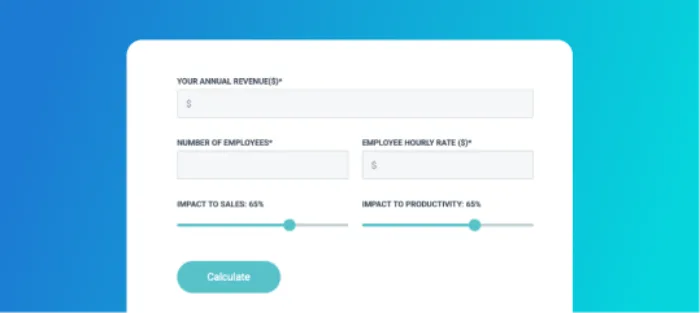
| How Much Could an Outage Cost Your Business? |
|---|
| Even short periods of downtime can result in lost revenue, productivity, and trust. Use our calculator to estimate the financial impact of system failure. |
| Calculate the Real Cost |
How Does Application Performance Monitoring Work?
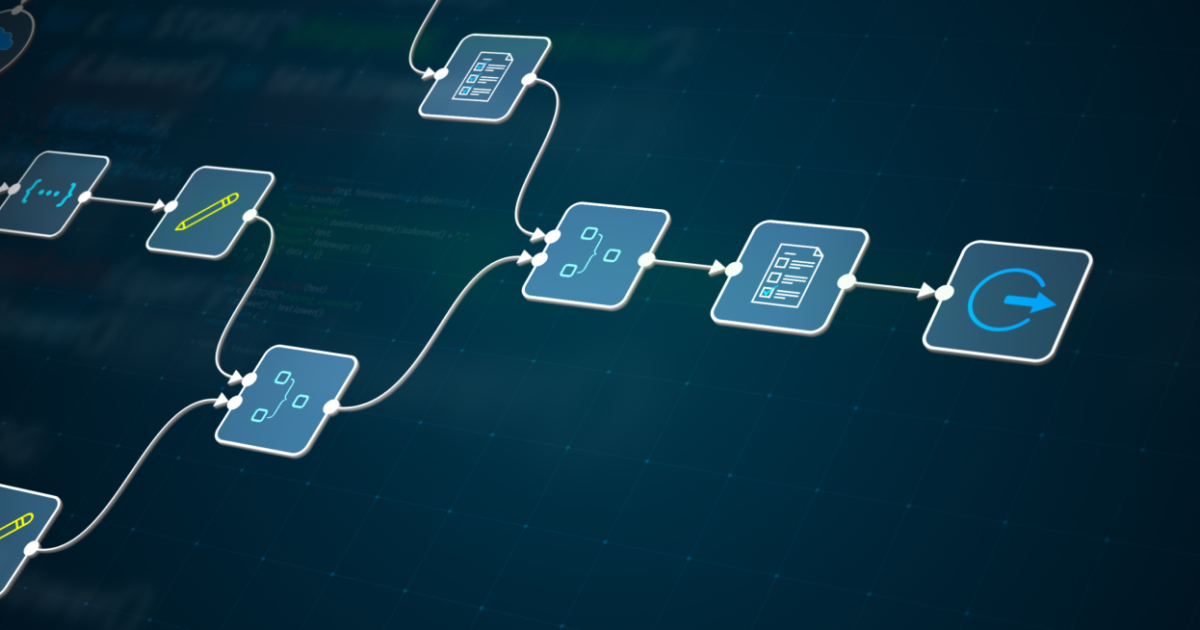
Application performance monitoring follows a structured flow: it captures data, interprets what’s happening beneath the surface, alerts teams to potential risks, and provides the tools to investigate and resolve them efficiently.
Key stages in the APM process:
1. Data Collection
APM tools start by capturing signals from the application and infrastructure layers—everything from load times and memory usage to service dependencies and user transactions. This data can come from embedded agents, logs, or external integrations, depending on the environment.
2. Analysis
The system processes the incoming data to spot patterns, performance trends, or unusual behavior. This includes identifying things like slow endpoints, resource constraints, or inconsistent response times that may indicate underlying issues.
3. Alerting and Visualization
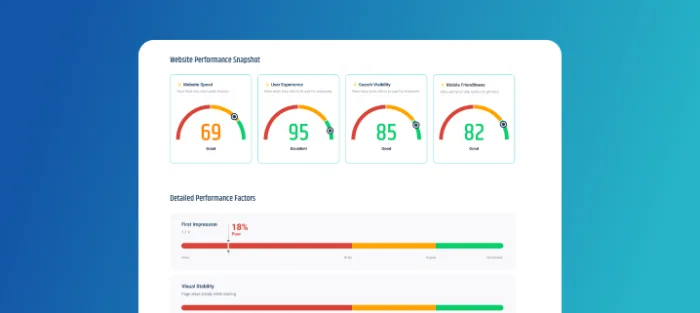
When something deviates from expected performance, the system flags it. Alerts are sent automatically to notify teams, while dashboards display real-time performance metrics so issues can be tracked and understood at a glance.
4. Diagnostics and Tracing
For deeper investigations, APM provides a detailed view into how requests move through the application—from service to service. This makes it easier to isolate the source of a problem and understand its scope, helping teams resolve issues faster and with more confidence.
What Are the Core Components of an APM Solution?

An effective APM solution combines multiple layers of monitoring to give a full picture of how an application behaves. Each component plays a specific role in making sure issues are detected early, performance stays consistent, and teams have the clarity to act with confidence.
Core capabilities that define a complete APM solution:
1. Distributed Tracing
Maps the full lifecycle of a request as it moves through different services, APIs, and backend systems. This allows teams to see where time is being spent and where delays or failures are introduced within a distributed architecture.
2. Real User Monitoring (RUM)
Captures data from real users as they interact with the application—across devices, browsers, and networks. It helps identify performance issues that impact the user experience directly, not just what the system metrics suggest.
3. Synthetic Monitoring
Runs automated tests to simulate user activity and measure how well the application performs under expected workflows. This is especially useful for detecting issues in off-peak hours or before new updates go live.
4. Log Monitoring
Gathers logs from across the application and infrastructure layers, then ties them to performance data. This correlation adds context to incidents, making it easier to understand what caused a problem and how to resolve it quickly.
5. Infrastructure Monitoring
Keeps track of the servers, containers, cloud services, and other backend resources that support the application. Monitoring this layer ensures that performance issues aren’t caused by a failing system or overloaded environment.
How We Can Help with Application Performance Monitoring
Application performance isn’t something you want to chase after problems to fix—it needs to be maintained, protected, and optimized from day one. That’s where we come in.
Our team offers application performance monitoring as part of a broader managed services strategy—designed to keep your systems running at peak efficiency. We focus on early detection, clear diagnostics, and proactive support so performance issues don’t disrupt your operations or your users.
Here’s what that looks like in practice:
- Full-stack monitoring across your applications, infrastructure, and cloud services
- Real-time alerts backed by responsive support
- Custom dashboards aligned with your business priorities
- Continuous performance tuning and recommendations
- SLA-backed service to ensure stability and uptime
Whether you're supporting internal tools, customer-facing platforms, or critical backend systems, we help ensure they perform as expected—consistently and confidently.
| Ready to Keep Your Applications Running at Peak Performance? |
|---|
| Let’s build a monitoring strategy that protects uptime, improves user experience, and gives your team the insights they need to stay ahead. |
| Book a Discovery Call |