


Labs · Craft CMS plugin
 PexelsMedia · by Convergine
Find the right photo without leaving the entry.
Our Pexels plugin adds a search button to Craft’s asset picker, so you can find free stock photos, filter them and save them to your assets in a few clicks.
Get it on the Plugin Store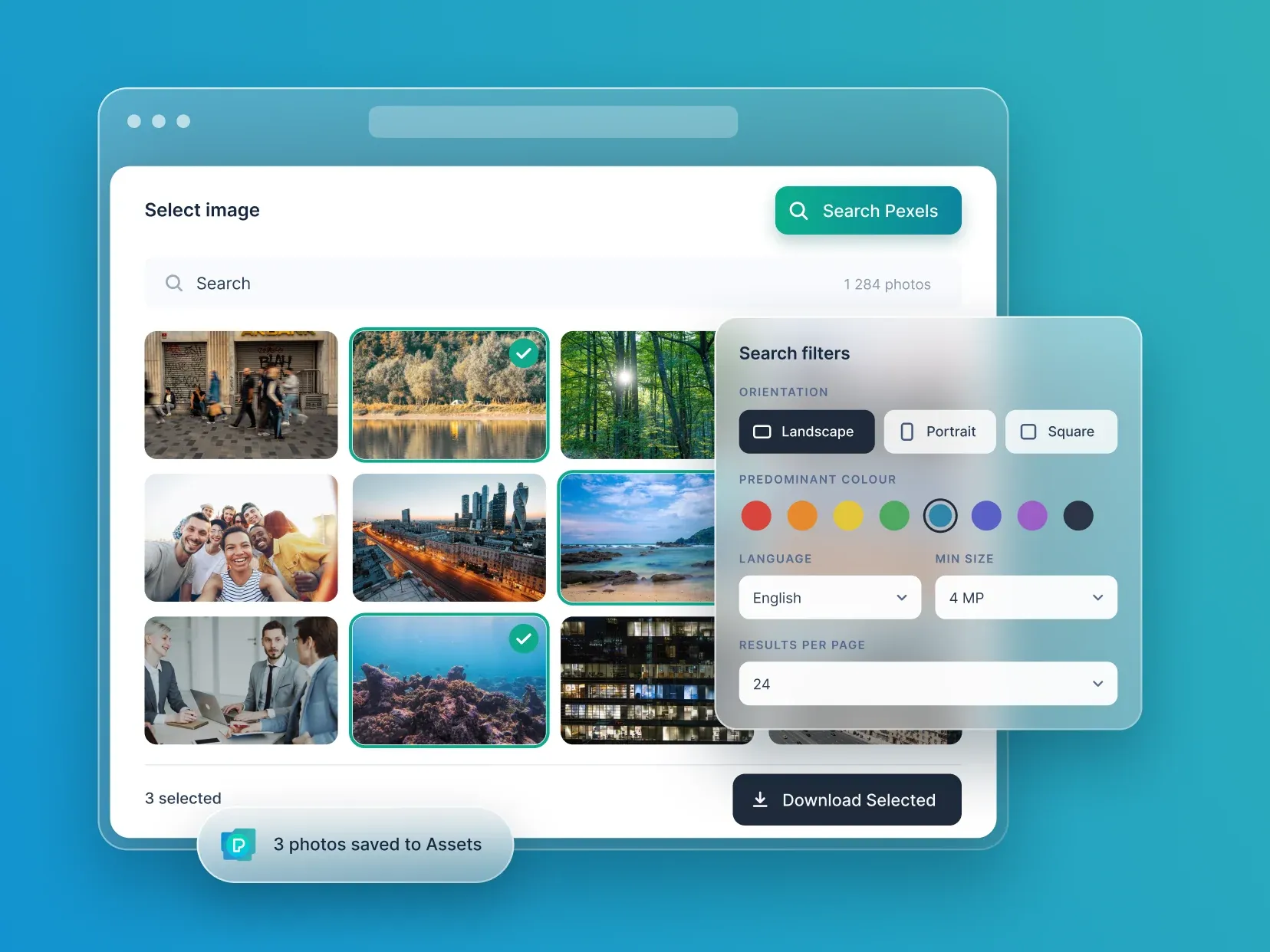
What it does.
Search from the asset picker
A Search Pexels button appears in every asset selection window.
Saved straight to your assets
Pick the photos you want and they download to your server, ready to use.
Filters that matter
Narrow results by orientation, minimum size in megapixels and predominant colour.
Search in your language
Set the search language and how many results show on each page.
Up and running in four steps.
- 01
Install it from the Plugin Store
- 02
Add your free Pexels API key
- 03
Set your download defaults
- 04
Click Search Pexels in any asset picker
Installing takes a few minutes from the Craft Plugin Store. Pricing, editions and release notes live there too, so they’re always current.
Good questions.
Craft CMS 4 or 5, a free Pexels account and a Pexels API key.
Pexels allows 200 requests an hour and 20,000 a month by default. For more, you ask Pexels directly.
No. We built it, and we’re not affiliated with Pexels.
Tell us what you need. We’ve built 20+ WordPress and Craft CMS plugins, and we take on custom plugin work too.
More from Labs
explore labs ContentContent BuddyAI drafts, translations and rewrites inside the Craft entry.
 MarketingSocial BuddyPublish Craft entries to your social networks, by hand or automatically.
 PrivacyCookie BuddyCookie consent inside Craft, with Google Consent Mode v2.
 SecurityBastionSecurity checks, expiry alerts and access rules for Craft CMS.