


Labs · Craft CMS plugin
 GuidoDocumentation · by Convergine
The editor handbook, right where your editors work.
Guido keeps your how-to guides inside the Craft control panel, written in Markdown, searchable, and easy to carry from one project to the next.
Get it on the Plugin Store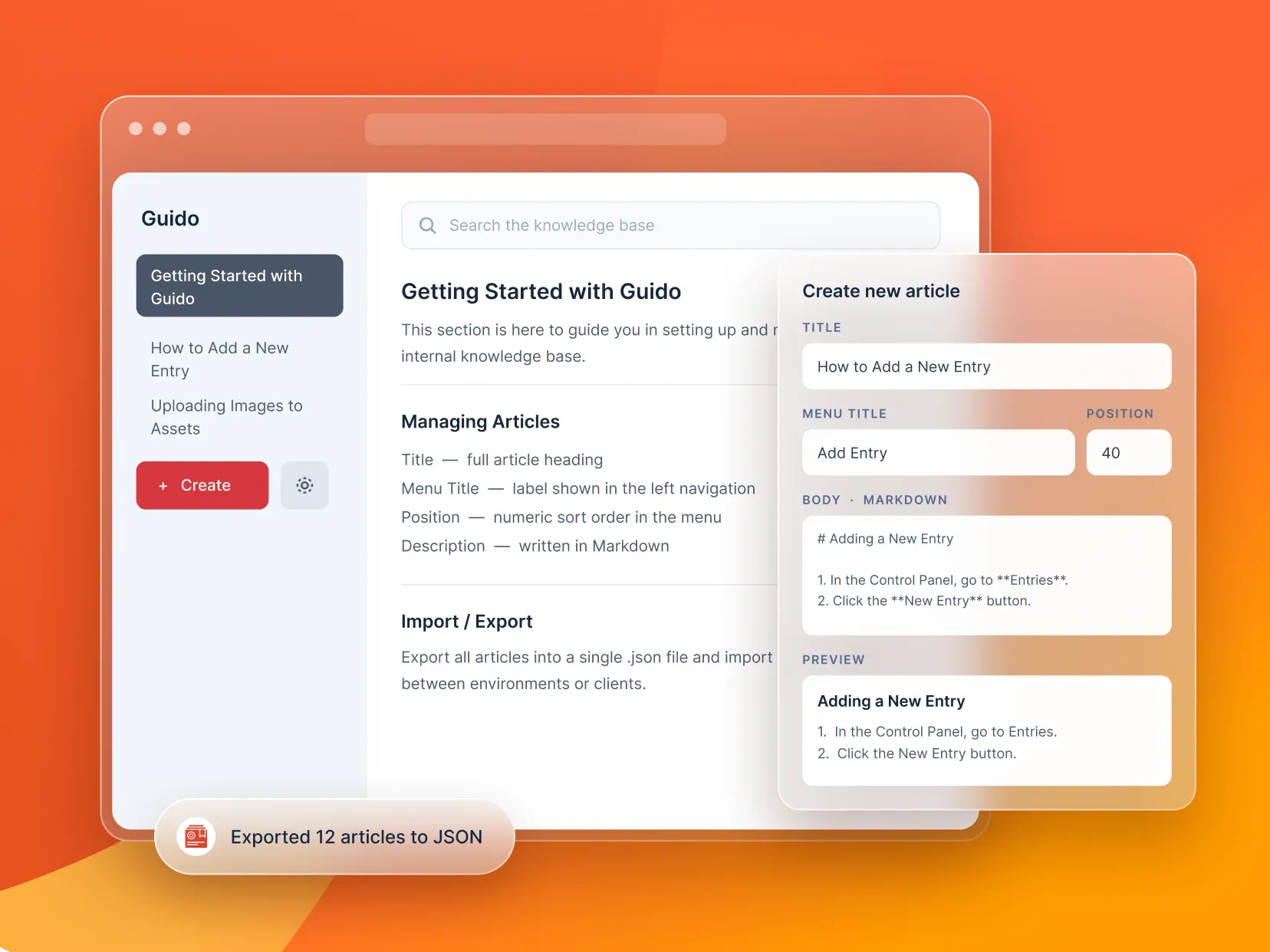
What it does.
Written in Markdown
Headings, lists, links, formatting and images, written the quick way.
In the control panel menu
Guides sit in Craft’s main menu, one click from the work they explain.
Search across every guide
Editors find the answer by searching, not by emailing someone.
Export and import
Reuse your guides on the next project instead of writing them again.
Made for handovers
Onboarding notes, editor instructions and custom workflows, kept with the site they describe.
Up and running in four steps.
- 01
Install it from the Plugin Store
- 02
Open Guido from the control panel menu
- 03
Write your first guide in Markdown
- 04
Export it for your next project
Installing takes a few minutes from the Craft Plugin Store. Pricing, editions and release notes live there too, so they’re always current.
Good questions.
Craft CMS 5 and PHP 8.2 or later. No extra accounts or API keys.
No. Guido has one edition on the Plugin Store, with an optional yearly renewal for updates.
Tell us what you need. We’ve built 20+ WordPress and Craft CMS plugins, and we take on custom plugin work too.
More from Labs
explore labs ContentContent BuddyAI drafts, translations and rewrites inside the Craft entry.
 MarketingSocial BuddyPublish Craft entries to your social networks, by hand or automatically.
 PrivacyCookie BuddyCookie consent inside Craft, with Google Consent Mode v2.
 SecurityBastionSecurity checks, expiry alerts and access rules for Craft CMS.